轉自 https://ithelp.ithome.com.tw/articles/10185221
--
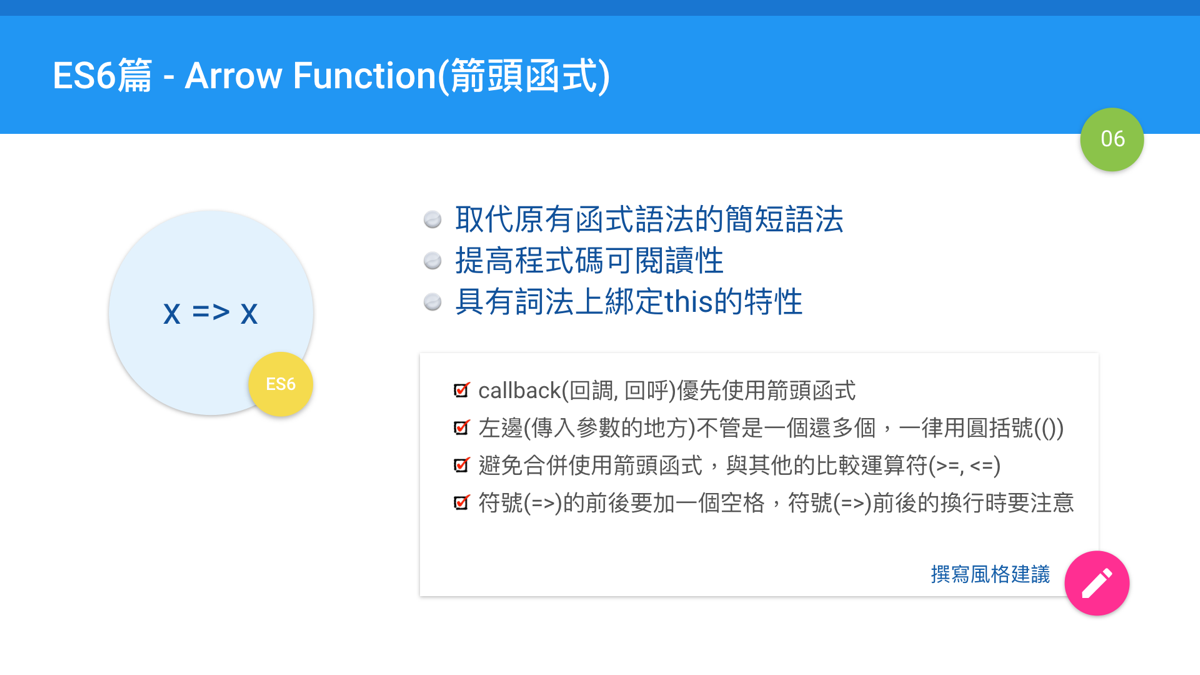
本章的目標是對箭頭函式提供一些較為全面性的介紹,除了基本的語法之外,也補充了很多React搭配使用時的實例,此外也提供撰寫的風格建議。當然,箭頭函式並不光只是語法簡短而已,它有一些與原來JavaScript中函式不同的設計,你可以把它當成是原本(傳統)的函式的改進版本。
dizzy03 發表在
痞客邦
留言(0)
人氣()

轉自 https://pjchender.blogspot.com/2017/01/es6-arrow-function.html
--
dizzy03 發表在
痞客邦
留言(0)
人氣()
Q: 使用native base的segment元件,想要讓他動態依照點擊哪個按鈕就設那個按鈕的active屬性為true。
A:
1. 在state設定一個變數,用來控制目前要設哪一個button為active
2. 在segment下面每個button的active都加上判斷state的變數內容,符合才設為ture
dizzy03 發表在
痞客邦
留言(0)
人氣()
轉自 www.ucamc.com/e-learning/javascript/276-react-js-search搜尋功能使用過濾迴圈filter.html
--
filter函數特性:
dizzy03 發表在
痞客邦
留言(0)
人氣()
onChangeText is basically a simplified version of
onChange, so you can easily use it, without the hassle of going through
event.target.value to get changed value.
So, when should you use
onChange and when
onChangeText?
If you have simple form with few textinputs, or simple logic, you can go straight away and use
onChangeText<TextInput value={this.state.name} onChangeText={(text) => this.setState({name: text})}>
If you have more complicated forms and/or you have more logic in handling data (like handling text differently from number) when user changes input, then you are better of with
onChange, because it gives you more flexibility. For example:
handleChange(event) {
const {name, type, value} = event.nativeEvent;
let processedData = value;
if(type==='text') {
processedData = value.toUpperCase();
} else if (type==='number') {
processedData = value * 2;
}
this.setState({[name]: processedData})
}
<TextInput name="username" type="text" value={this.state.username} onChange={this.handleChange}}>
<TextInput name="password" type="number" value={this.state.password} onChange={this.handleChange}}>
dizzy03 發表在
痞客邦
留言(0)
人氣()
轉自 bbs.reactnative.cn/topic/444/同时兼容ios与android的toast组件
--
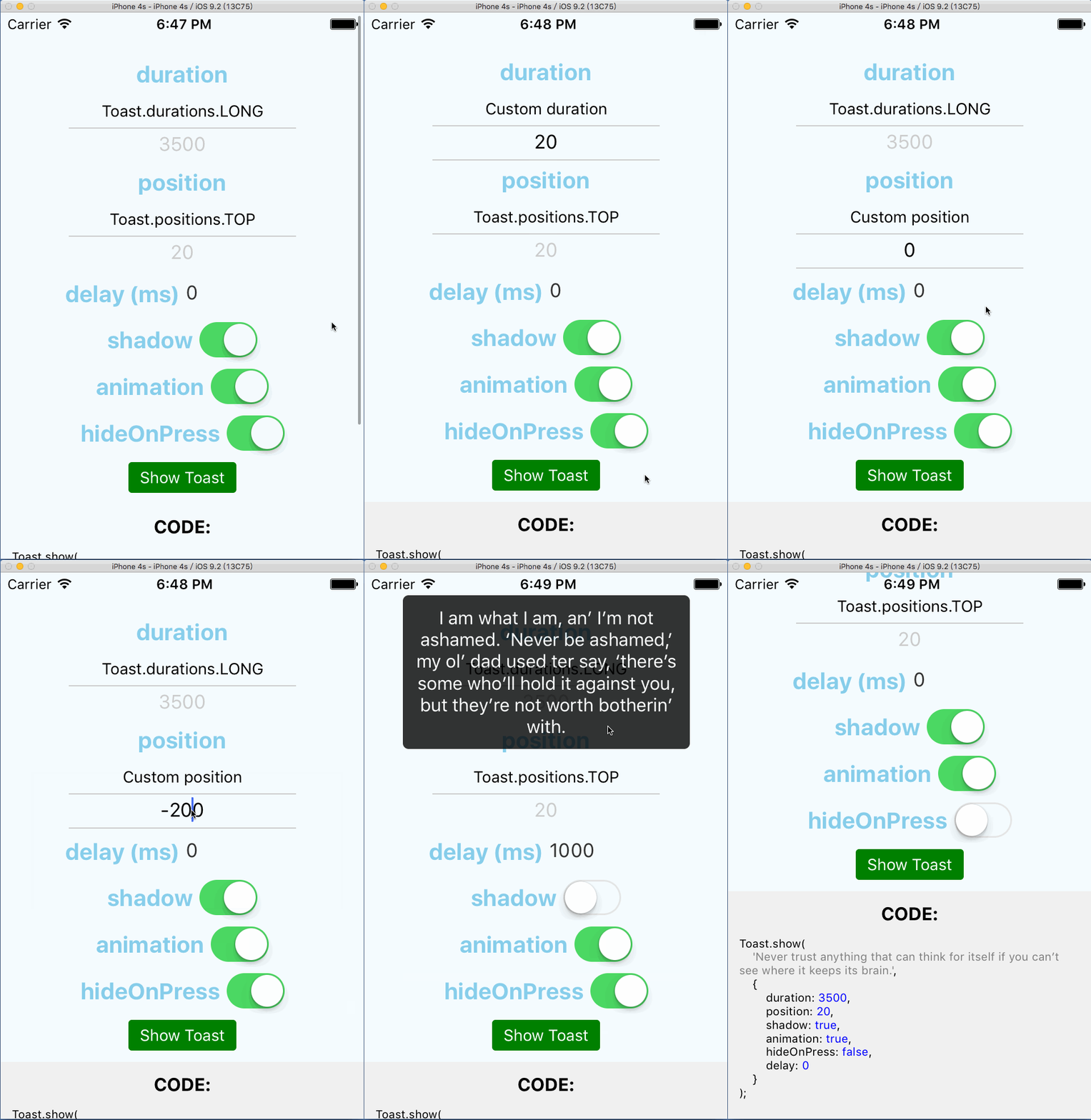
給大家安利一款可以在iOS和Android上通用的Toast組件: react-native-root-toast
現在開源的Toast組件一大堆,為什麼要選用這個呢?原因如下:
dizzy03 發表在
痞客邦
留言(0)
人氣()

轉自 https://www.jianshu.com/p/e9144208f18f
--
dizzy03 發表在
痞客邦
留言(0)
人氣()
遊戲本體
https://store.steampowered.com/app/1097880/Super_Naughty_Maid_2/
dizzy03 發表在
痞客邦
留言(0)
人氣()
問題:
使用react-navigation接收navigation帶回來的參數,並且在navigationOptions中定義header區塊按鈕onPress時呼叫自訂function時,會直接出現"function is undefined"的錯誤訊息。
EX:
static navigationOptions = ({ navigation }) => ({
headerRight: <RightButton onPress={() => this.removeVehicle()} />
})
dizzy03 發表在
痞客邦
留言(0)
人氣()
答:
1. 使用react-native-vector-icons
<Icon name="facebook" style={styles.icon}>
<Text style={styles.text}>Login with Facebook</Text>
</Icon>
dizzy03 發表在
痞客邦
留言(0)
人氣()
答:
1. state設一個變數存true / false
2. 把if else判斷獨立成一個function,裏頭判斷變數是true就return內容,false就return null。
3. 在render的return中呼叫這個function,要不要顯示元件,控制state這個變數就好。
dizzy03 發表在
痞客邦
留言(0)
人氣()
問:
The story is, I should be able to put Bob, Sally and Jack into a box. I can also remove either from the box. When removed, no slot is left.
people = ["Bob", "Sally", "Jack"]
dizzy03 發表在
痞客邦
留言(0)
人氣()